


Typst is a lightning-fast typesetting system that provides a modern alternative to LaTeX.
The Typst ecosystem is thriving, and Quarto 1.9 brings Typst much closer to feature parity with LaTeX:
- Typst books
- Article layout in Typst
- Bundling of Typst packages for offline rendering
Typst books#
In Quarto 1.9, a project with type book and format typst is now rendered as a single document with multiple chapters and other book content.
project:
  type: book

book:
  title: "My Book"
  author: "Jane Doe"
  chapters:
    - index.qmd
    - intro.qmd
    - summary.qmd

format: typst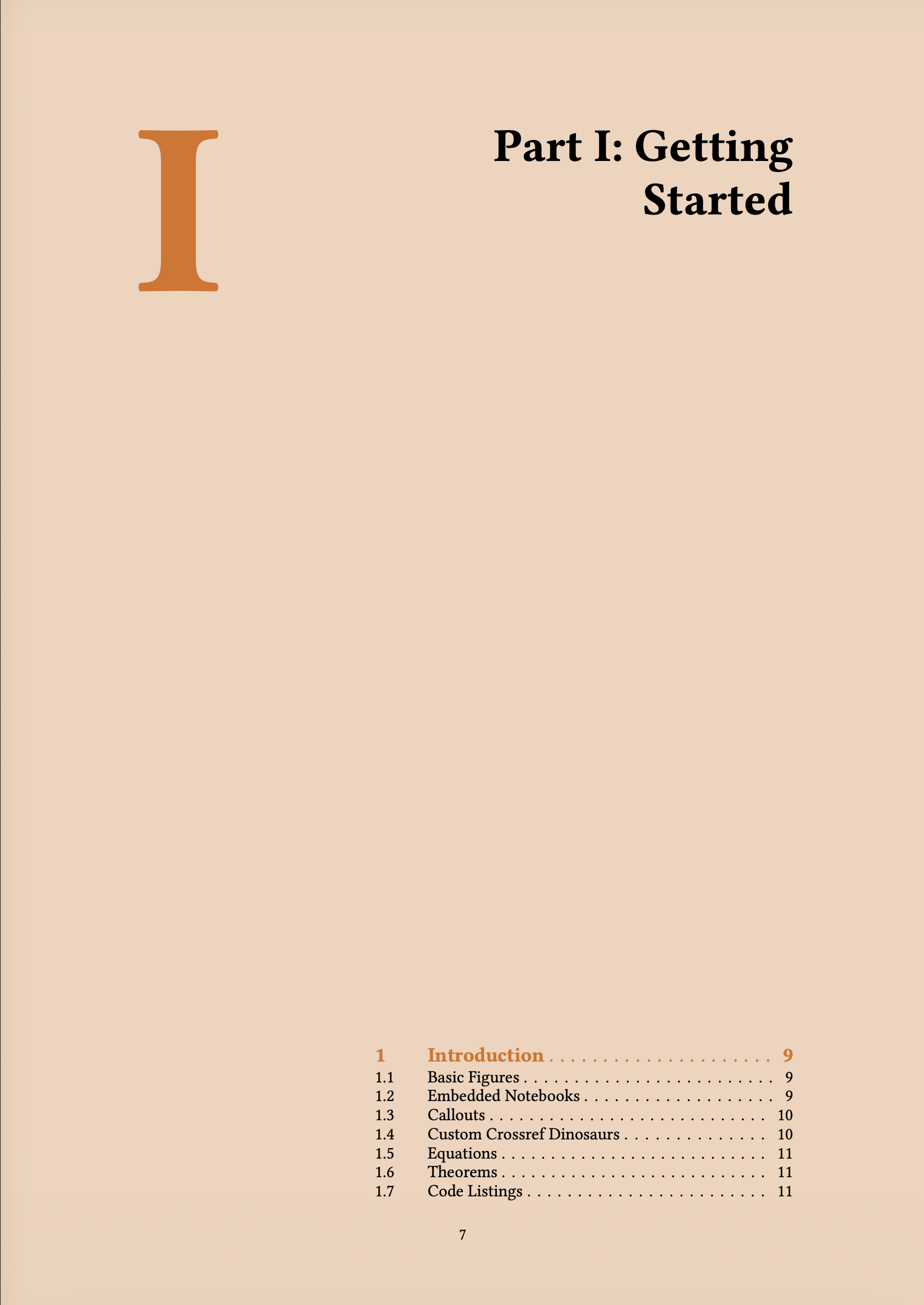
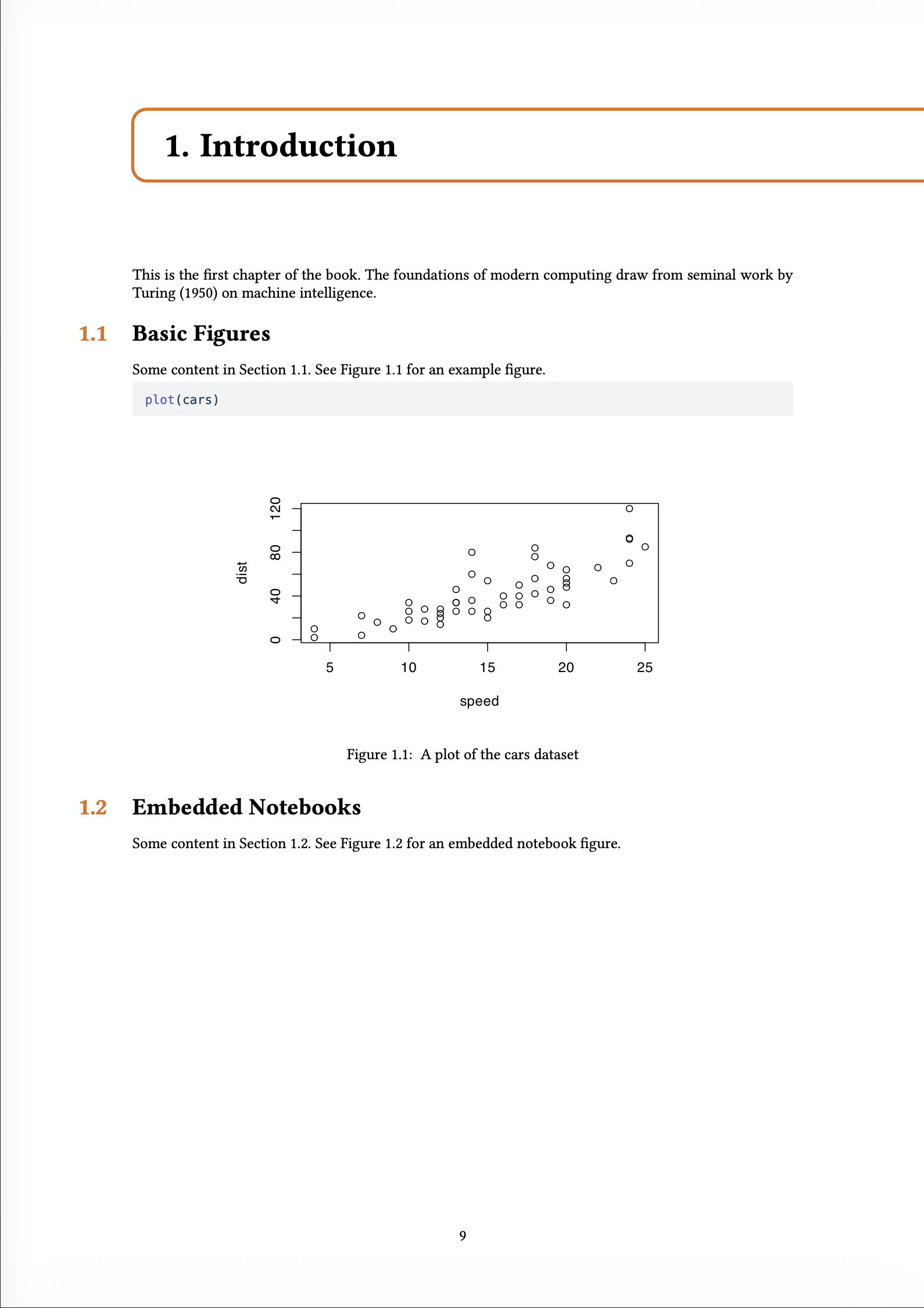
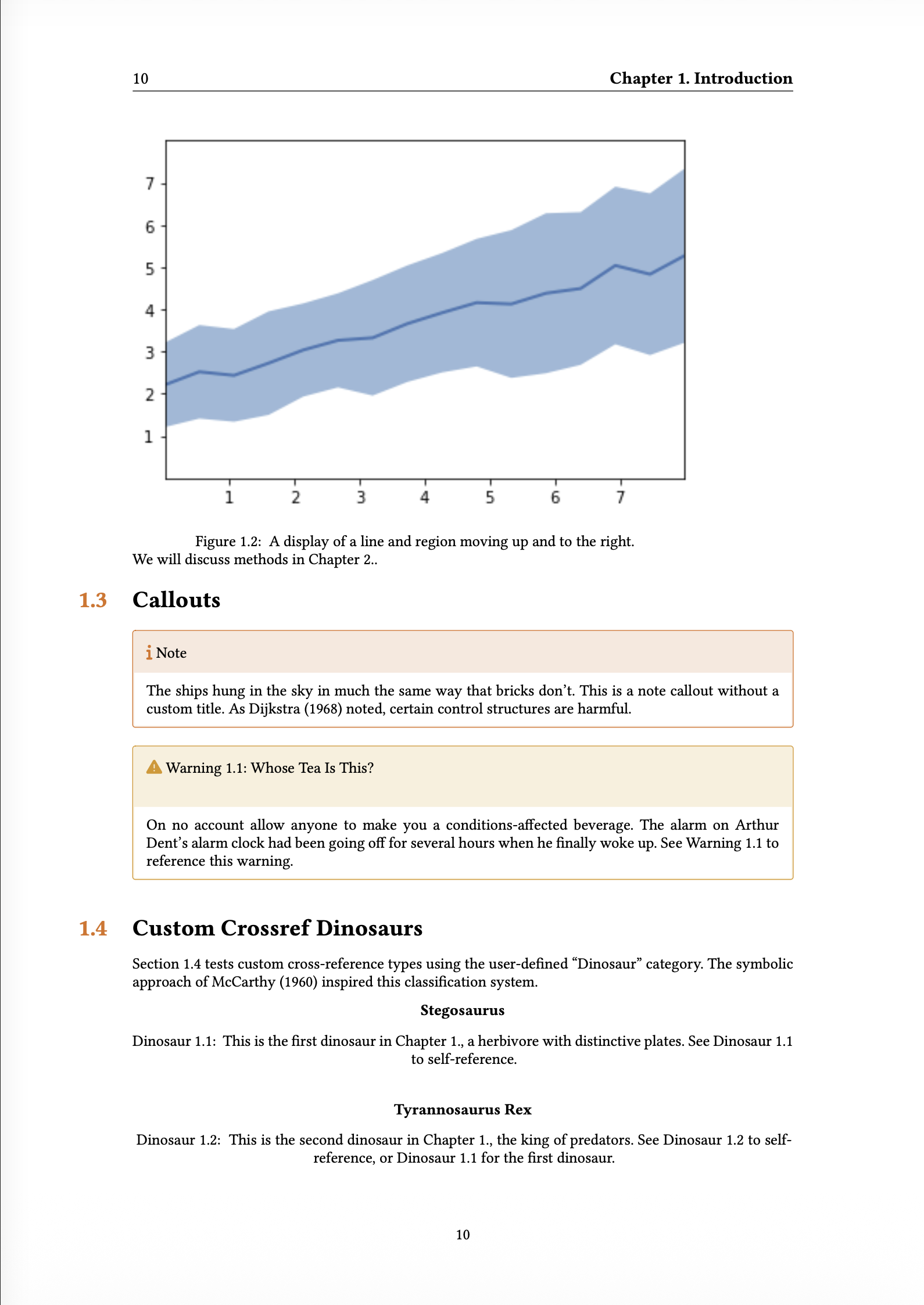
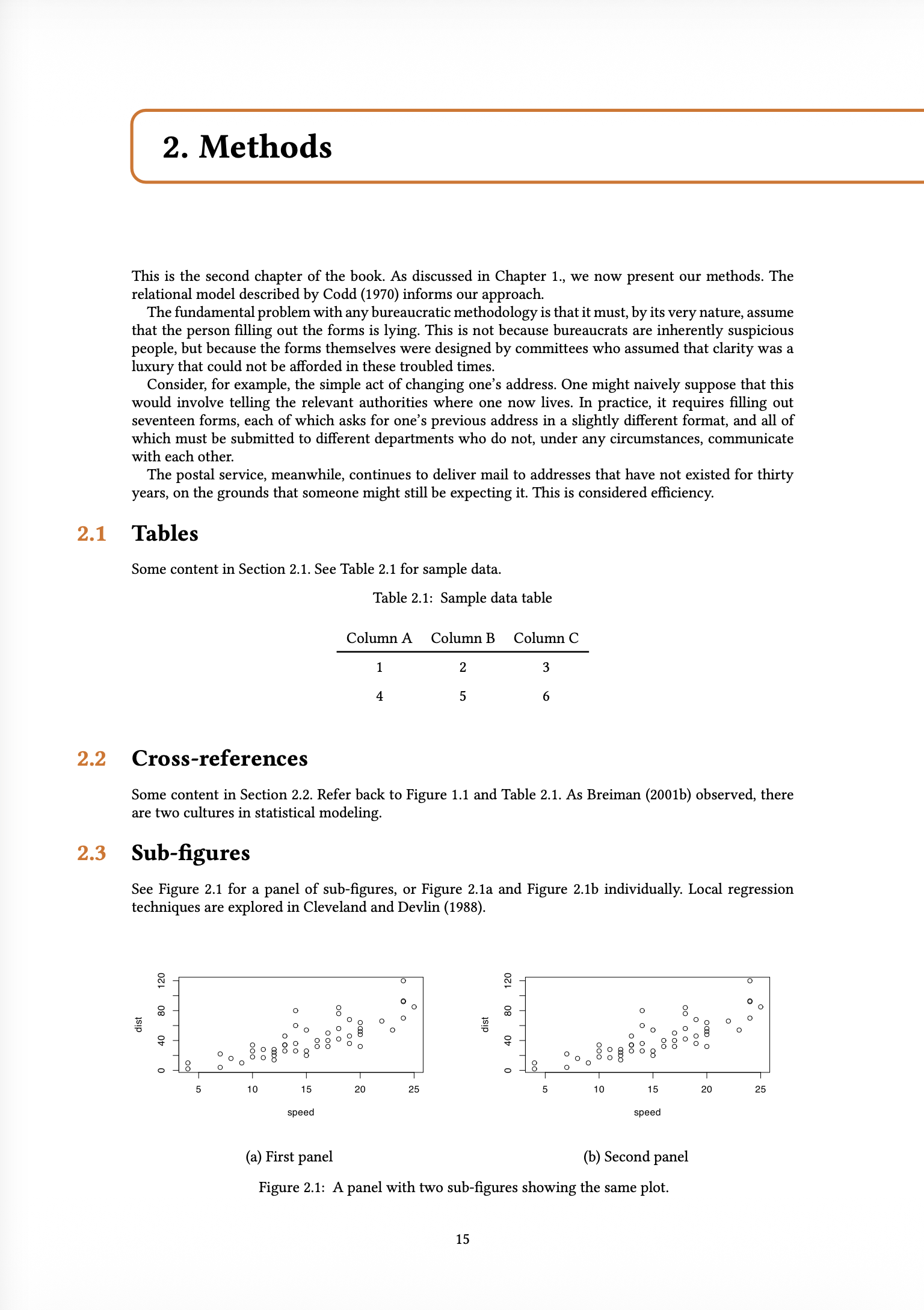
All book features previously available in the LaTeX format are now available in Typst:
- Parts and Chapters
- Appendices
- Cross-references and chapter-based numbering
- Table of Contents
List-of-Figures and List-of-Tables support is coming soon.
The default Typst book uses the bundled Quarto quarto-orange-book extension, which uses typst-gather to bundle the Typst orange-book package. Orange-book provides a textbook-style layout with colored chapter headers and sidebars.
The orange-book extension supports brand.yml customization — it uses the primary color for chapter headers and sidebars, and the medium logo on the title page. The screenshots above were generated with this _brand.yml:
color:
  primary: "#F36619"
  secondary: "#2E86AB"

logo:
  images:
    test-logo:
      path: logo.svg
      alt: "Test Logo"
  medium: test-logo
Since Typst books are implemented as Quarto Format Extensions, you can customize the appearance by creating your own extension. Typst partials define the overall book structure, while Lua filters handle the necessary AST transformations.
Article layout in Typst#
Also in Quarto 1.9, all Article Layout features now work in Typst, via the Typst Marginalia package.
Specifically:
- Figures, tables, code listings, and equations can be placed in the margin using the
.column-marginclass or thecolumn: margincode cell option. - You can also target specific output types with
fig-column: marginortbl-column: margin. - Figure, table, and code listing captions can be placed in the margin with
cap-location: margin(orfig-cap-location: marginandtbl-cap-location: marginfor specific types). - Footnotes and citations can be displayed in the margin with
reference-location: marginandcitation-location: margin. When margin citations are enabled, the bibliography is suppressed. - Asides (
.asideclass) place content in the margin without a footnote number.
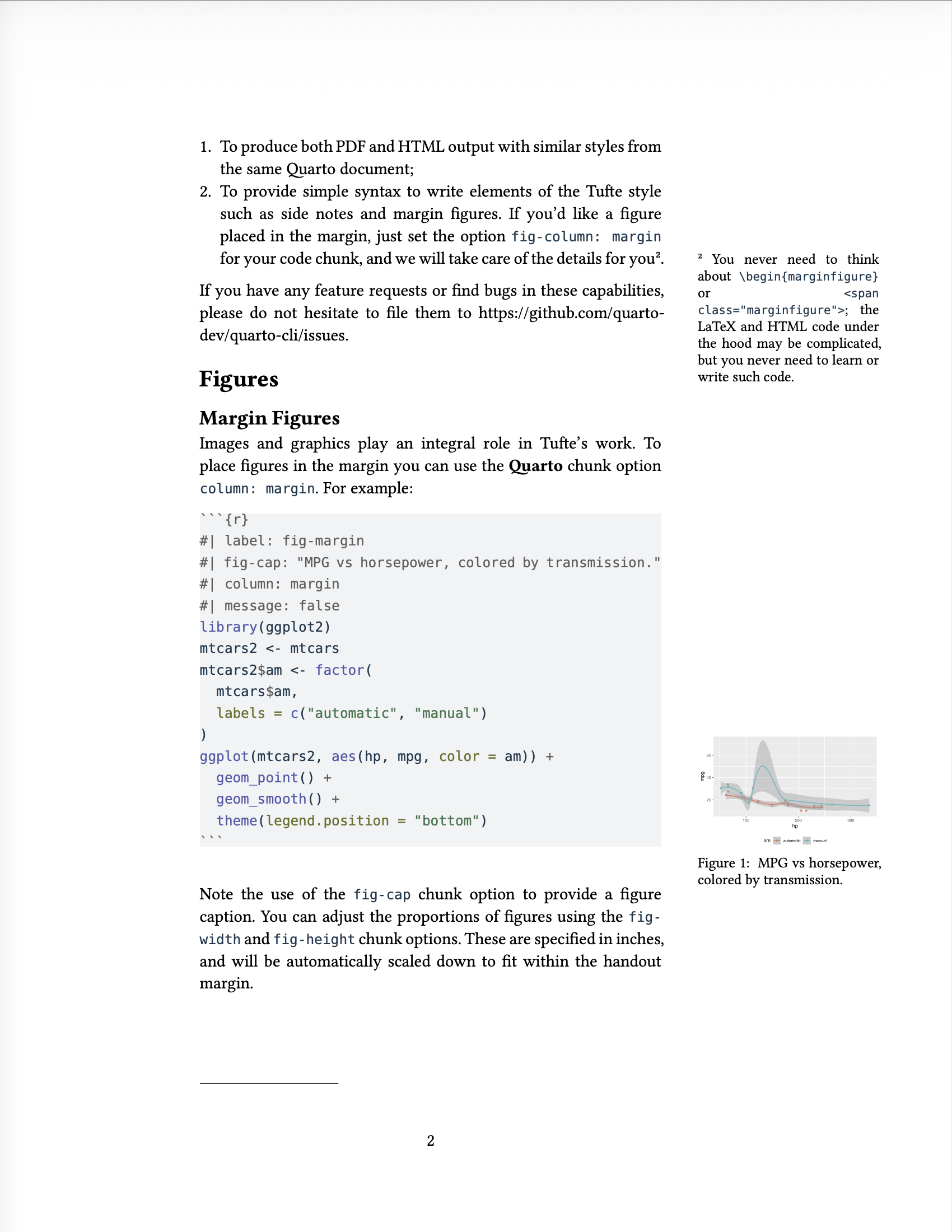
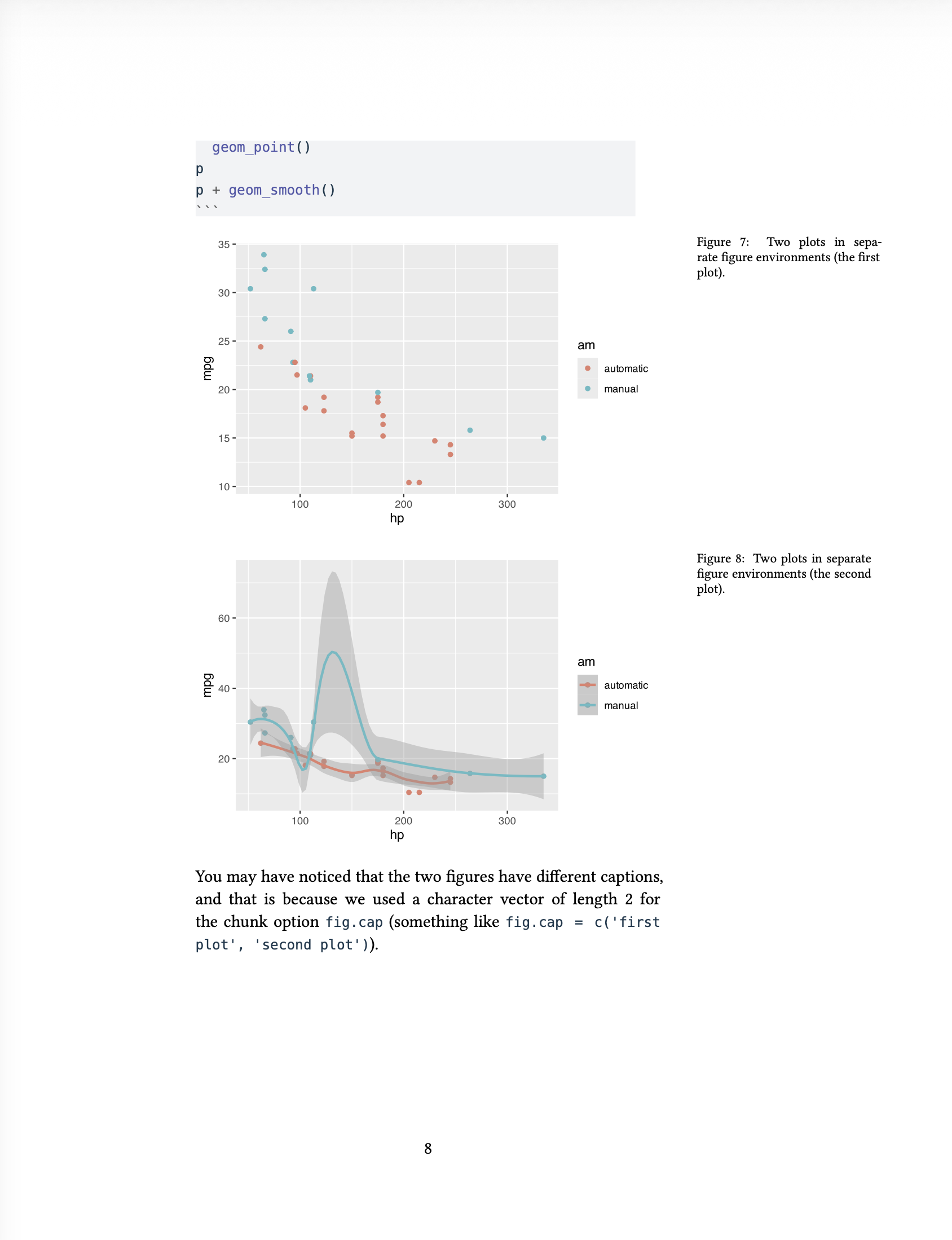
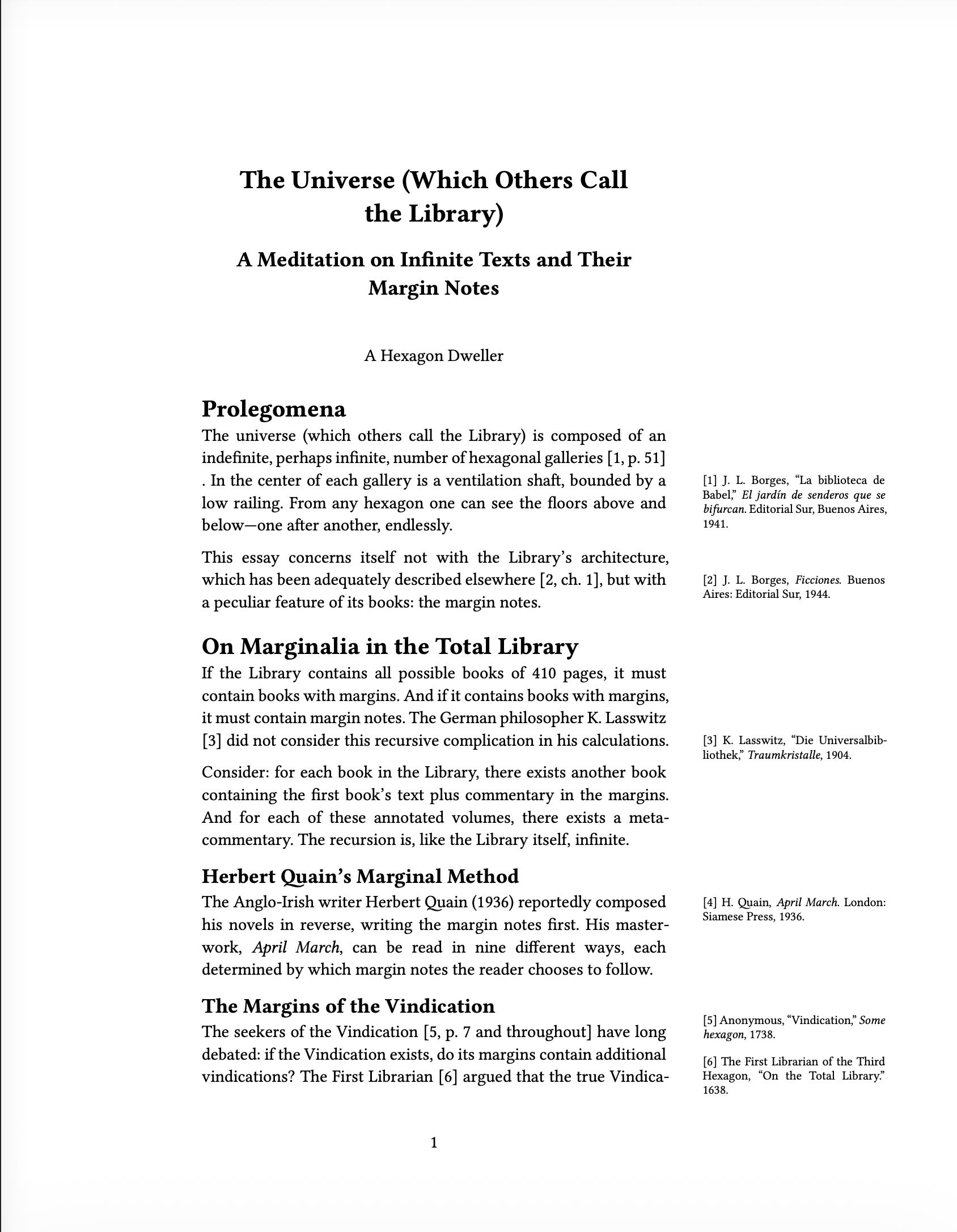
You can combine book and article layout, but there are some layout quirks when combining the two. We’ll work with the orange-book author to integrate Marginalia into the book template.
typst-gather#
Quarto 1.9 automatically stages Typst packages — from your extensions, from Quarto’s bundled extensions, and from Quarto itself — into the .quarto/ cache directory before calling typst compile. This means Typst documents render offline without needing network access.
To make this work, extension authors use the new typst-gather tool, which scans their .typ files for @preview imports and downloads the packages into the extension directory. Authors run quarto call typst-gather and commit the results. Users of the extension will have the packages staged without any downloads.
This means Custom Typst Formats can depend on Typst packages without copying and pasting Typst code, making them simpler and easier to maintain.
Both Typst books and article layout are built on typst-gather — orange-book depends on the Typst orange-book package, and article layout depends on Marginalia. As the Typst package ecosystem grows, we’re excited to see what the community builds with Typst packages.