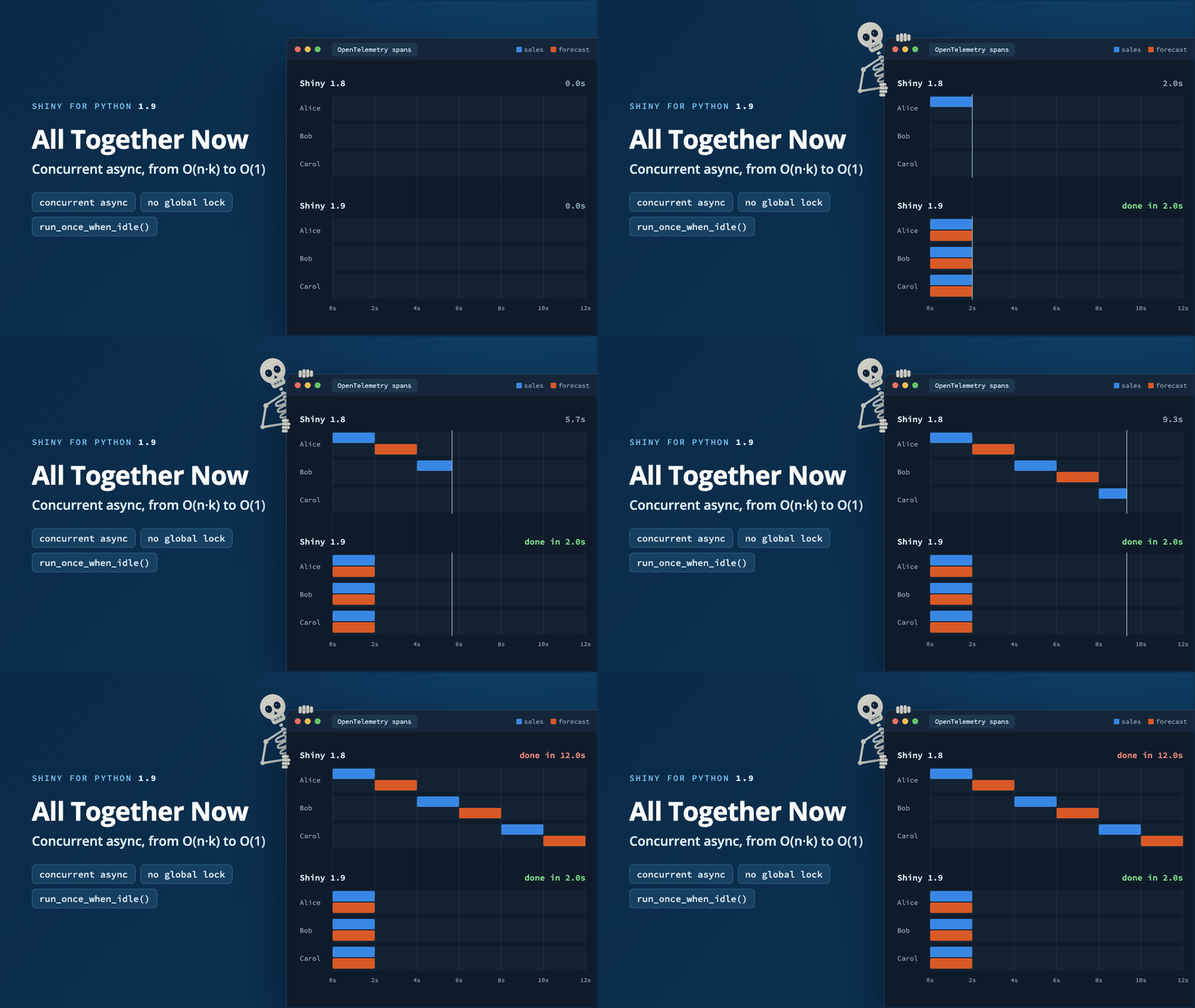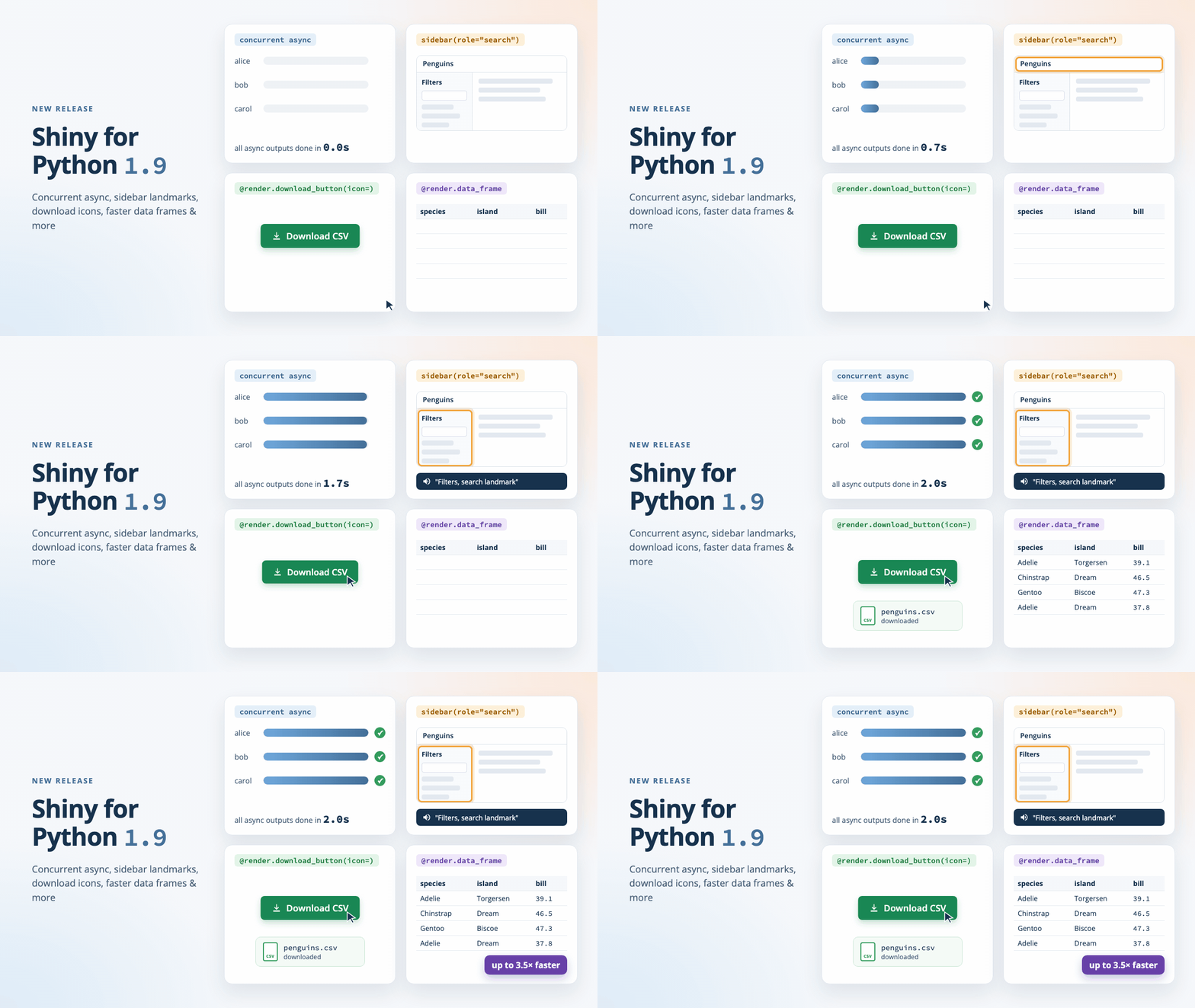
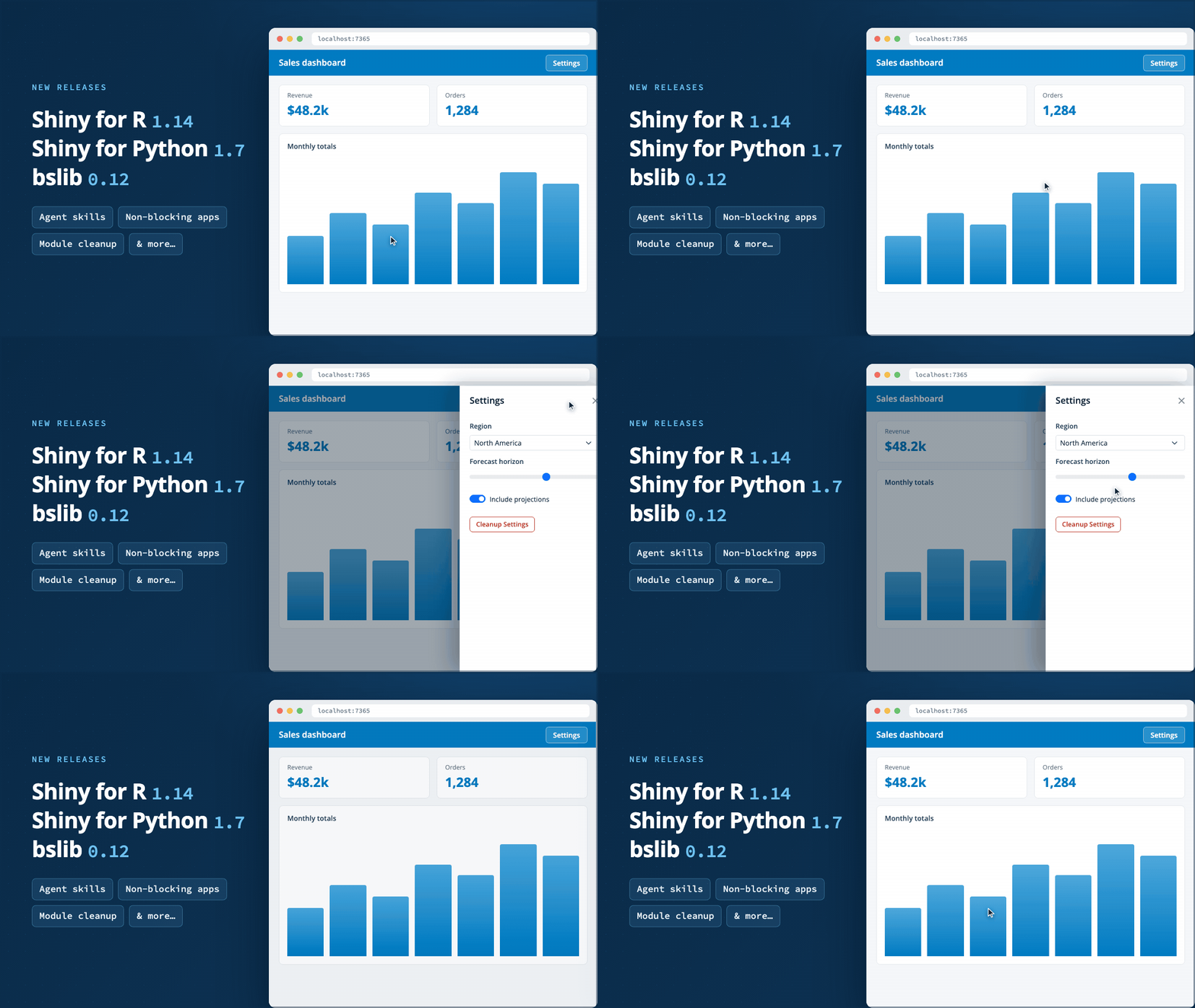

We’re happy to announce a trio of releases: Shiny for R v1.14 and bslib v0.12 are now on CRAN, and Shiny for Python v1.7 is now on PyPI!
The highlights: bundled agent skills that teach coding agents how to write Shiny for Python apps, startApp() for running R apps without blocking your console, offcanvas panels that slide in from the edge of the viewport, and destroy() for cleaning up dynamic modules.
Full details are in the Shiny for R release notes, the bslib release notes, and the Shiny for Python changelog.
Agent skills#
Shiny for Python only — coming to R soon.
Coding agents are writing more and more Shiny apps — so we’re teaching them how to do it well. Shiny for Python v1.7 ships with bundled Agent Skills: a shiny-for-python skill whose SKILL.md routes agents to focused reference files covering each area of Shiny’s public API — reactivity, Express mode, modules, layouts, plots, data frames, chat and streaming, extended tasks, testing, debugging, OpenTelemetry, and more.
To install the bundled skills into your coding agent, use library-skills:
uvx library-skills --claudeBecause the skills ship inside the package, they always match the version of Shiny you have installed — and shiny skills list shows what’s bundled.
Now your agent stops hand-rolling HTML tables and fake tabs, and starts using the framework the way you would.
Non-blocking apps#
Shiny for R only.
runApp() blocks your R console until the app stops. New in Shiny v1.14, startApp() runs the app in the background and hands control right back to you:
# Start app in the background
handle <- startApp("myapp")

# The console remains available
handle$status()
#> [1] "running"
handle$url()
#> [1] "http://127.0.0.1:7365"

# Stop the app
handle$stop()
The returned ShinyAppHandle has stop(), status(), url(), and result() methods. Starting a new app automatically stops the previous one, so iterating is as simple as calling startApp() again.
This is handy for interactive development, but it really shines for anything that needs to drive an app and keep working: testing tools, coding agents, or scripts that launch an app, interact with it, and shut it down.
That’s the tooling around your app. The next two features are about the app itself — starting with a new way to keep UI off screen until someone asks for it.
Offcanvas panels#
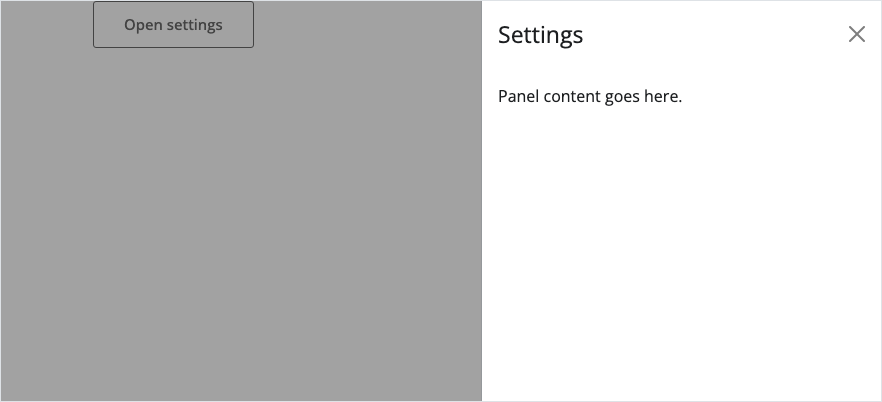
An offcanvas is a panel that slides in from an edge of the viewport — perfect for settings, filters, details-on-demand, or anything else that doesn’t need to be on screen all the time. It’s built on Bootstrap 5’s offcanvas component and comes with the full set of server verbs: show_offcanvas(), hide_offcanvas(), and toggle_offcanvas().
The simplest way to use one is with a trigger element — no server code required:
library(shiny)
library(bslib)

ui <- page_fluid(
  offcanvas(
    "Panel content goes here.",
    title = "Settings",
    trigger = actionButton("open", "Open settings")
  )
)
from shiny.express import ui
ui.offcanvas(
"Panel content goes here.",
title="Settings",
trigger=ui.input_action_button("open", "Open settings"),
)
Give the panel an id and it becomes fully programmable: control it from the server and reactively respond to whether it’s open.
library(shiny)
library(bslib)

ui <- page_fluid(
  actionButton("toggle", "Toggle details"),
  offcanvas("Panel content", title = "Details", id = "details")
)

server <- function(input, output, session) {
  observeEvent(input$toggle, toggle_offcanvas("details"))

  observeEvent(input$details, {
    message("Panel is open: ", input$details)
  })
}

shinyApp(ui, server)
from shiny import reactive
from shiny.express import input, render, ui
ui.input_action_button("toggle", "Toggle details")
ui.offcanvas("Panel content", title="Details", id="details")
@reactive.effect
@reactive.event(input.toggle)
def _():
ui.toggle_offcanvas("details")
@render.text
def state():
return f"Panel is {'open' if input.details() else 'closed'}"Panels can slide in from the left, right, top, or bottom, and you can even build one entirely in the server and reveal it with show_offcanvas() — no UI placement needed.
Offcanvas panels are available now in Shiny for Python v1.7 and in bslib v0.12 for R. See the offcanvas() (R, Python) reference for the panel itself, and show_offcanvas(), hide_offcanvas(), and toggle_offcanvas() (R, Python) for controlling it from the server.
Module cleanup#
An offcanvas hides UI that’s already there. Creating and destroying UI on the fly is a different problem, and modules make it easy to add UI and server logic dynamically. Removing them has always been the awkward part: removeUI() takes the HTML away, but the module’s observers, reactive values, and outputs keep running behind the scenes — leaving behind “dangling reactivity”.
The session’s new destroy() method (R, Python) closes that gap. The parent that inserted a module can now clean it up by the same id it used to insert it — no cleanup handles to pass around:
# In the parent server
observeEvent(input$add, {
  insertUI("#container", ui = myModuleUI("editor"))
  myModuleServer("editor")
})

observeEvent(input$remove, {
  removeUI(selector = "#editor")
  session$destroy("editor")
})
@reactive.effect
@reactive.event(input.add)
def _():
ui.insert_ui(my_module_ui("editor"), selector="#container")
my_module_server("editor")
@reactive.effect
@reactive.event(input.remove)
async def _():
ui.remove_ui(selector="#editor")
await session.destroy("editor")Destroying a scope invokes all of its registered onDestroy() (R) / on_destroy() (Python) callbacks, cleaning up reactive values, expressions, observers, inputs, and outputs for that module and its descendant modules. Everything is scoped, so the parent session and sibling modules are untouched. And a module can call destroy() on its own session (no id) to clean up after itself.
If your app inserts and removes modules over a long-lived session, destroy() keeps those removed modules from accumulating as memory and reactivity leaks.
Test mode#
Shiny for Python only.
Back to agents for a moment. The bundled skills teach them how to write your app; test mode, also new in v1.7, lets them — and your tests — see inside it while it runs. Enable it with the SHINY_TESTMODE=1 environment variable (or App(test_mode=True)), and each session serves a live JSON snapshot of its input, output, and exported values.
The snapshot is only served when test mode is enabled, and by default it includes only inputs and outputs. To surface an internal reactive — a reactive.calc or reactive.value that never reaches the UI — export it with export_test_values():
from shiny import reactive, render
from shiny.express import input, ui
from shiny.testmode import export_test_values

ui.input_slider("n", "N", min=0, max=100, value=20)


@reactive.calc
def doubled() -> int:
    return input.n() * 2


@render.text
def txt() -> str:
    return f"n * 2 = {doubled()}"


# Surface the internal reactive in the test-mode snapshot. This is a no-op
# unless test mode is enabled, so it's safe to leave in production code.
export_test_values(doubled=doubled)
The pytest app fixtures (local_app, create_app_fixture) enable test mode automatically, and the new shiny.playwright.controller.AppTestValues controller reads the snapshot in end-to-end tests. Expectations accept exact values or predicates:
def is_even(value):
    return value % 2 == 0

app_values = controller.AppTestValues(page)
app_values.expect_export("doubled", 40)
app_values.expect_export("doubled", is_even)Need to remove timestamps or temp paths before they are written to the snapshot? Register a preprocessor with input.set_snapshot_preprocess() or my_output.snapshot_preprocess(), and the snapshot stays stable from run to run.
Test mode mirrors R’s long-standing exportTestValues() — and it gives coding agents a structured way to debug a running app directly from the server instead of inferring information from the UI.
New to testing Shiny apps? Start with Unit testing and End-to-end testing on the Shiny for Python website, then browse the testing API reference.
Other improvements#
A few more changes worth a quick mention — the full lists are in the release notes for Shiny for R v1.14.0, bslib v0.12.0, and Shiny for Python v1.7.0:
R#
downloadButton()anddownloadLink()gain anenabledargument. The default,"auto", automatically enables the button once the download is ready.- Output resize and visibility detection now uses native browser observers (
ResizeObserver,IntersectionObserver), so plot sizing and hidden-state tracking work in any layout — including CSS-only show/hide and non-Bootstrap frameworks. conditionalPanel()no longer briefly flashes its contents on app start when the condition is initiallyFALSE.- bslib v0.12 also lets you grab the sidebar handle directly to resize a sidebar, and fixes the resize handle indicator for
position = "right"sidebars.
Python#
@render.download_buttonand@render.download_linkpair 1:1 withui.download_button()andui.download_link(), replacing the now-deprecated@render.download.- The
shiny[otel]extra now sets up OpenTelemetry zero-code auto-instrumentation out of the box:opentelemetry-instrument shiny run app.py.
In closing#
We’re excited to see what you build (and clean up) with these releases. As always, if you have questions or feedback, join us on Discord or open an issue on rstudio/shiny or posit-dev/py-shiny. Happy Shiny-ing!
Acknowledgements#
A big thank you to all the folks who helped make these releases happen:
Shiny for R v1.14.0#
@adit-0132, @ahnungslos-git, @byronvickers, @cpsievert, @cuckooland, @djacob65, @dmurdoch, @elnelson575, @FBrockmeyer, @gadenbuie, @HenrikBengtsson, @IvanM26, @jcheng5, @jeffkeller-einc, @jeis4wpi, @JohnCoene, @JosiahParry, @karangattu, @klin333, @lachlansimpson, @lionel-, @marcosnav, @mconflitti-pbc, @ml-ebs-ext, @nbenn, @Noskario, @prinjos, @pyltime, @rikivillalba, @roberson4627-cpu, @samuelbharti, @schloerke, @shikokuchuo, @simon-smart88, @toph-allen, and @Upipa.
bslib v0.12.0#
@AleKoure, @ArthurAndrews, @averissimo, @elnelson575, @etiennebacher, @gadenbuie, @jeis4wpi, @LeonidasZhak, @lgaborini, @lgschuck, @sawelch-NIVA, @sims1253, and @willgearty.
Shiny for Python v1.7.0#
@chernojagne, @cpsievert, @eeshsaxena, @elnelson575, @EltonChang1, @FBruzzesi, @gadenbuie, @hutch3232, @JosiahParry, @karangattu, @kb071216, @kbzsl, @marcosnav, @mariameraz, @MukundaKatta, @mvanhorn, @nightcityblade, @pevolution-ahmed, @QuintonBaker-USDA, @saisharan0103, @SamEdwardes, @schloerke, @slupczynskim, @Steven314, and @tomaioo.